MCEBuddy is an automated service for Media Center and Recorded TV that removes advertisements and commercials, converts the videos into a compressed or mobile friendly format and organizes your media library including managing the metadata for movies, ser
Convert, Shrink and Remove Ads for Your Windows Media Center
MCEBuddy takes your video recordings and REMOVES COMMERCIALS and Advertisements while converting your recordings into formats that are usable on other systems and portable devices and organizes them into folders and renames them to manage your library. It does all of this automatically in the background with a minimum of fuss and little technical knowledge required.
Converts from WTV, DVR-MS, TS, MPEG and many other formats. Converts to MP4 , AVI, MKV, portable devices and others. Removes Commercials. Converts in the background at scheduled times. Reorganizes your media library using metadata from various sources for movies, tvshows, series, news, sports and more.
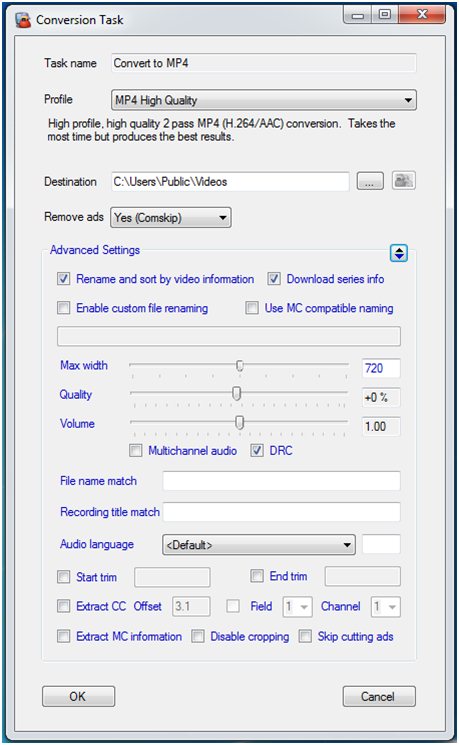
Very easy simple user interface for basic users and an advanced options interface for power users to tweak the quality, volume, trim videos, extract subtitles, schedules, custom file renaming, eMail notifications, downloading show information from the internet, selecting audio language and many more features.
Features:
Remove Commercials & Advertisements
Convert TV (HD/SD) Recordings and Videos
Shrink TV Recordings & Videos
Schedule Conversions
Multiple Simultaneous Conversions
Monitor Folders (runs in the background even without user logon)
Multi-channel Audio Support (AC3, DTS, AAC)
Multilingual Audio Language Selection
Multiple Audio Tracks
Simple Controls to Skip Cropping, Limit Video Width, Volume Adjustment, Quality Adjustment and more
Extract and Embed Closed Captions as Subtitles
Trim Videos
Custom File and Folder Renaming
eMail Notifications
Creating Chapters as Commercial Markers instead of Cutting Commercials
Archiving, Syncing Folders and Conversions
International/Regional Languages Support (39+ languages)
Supports WTV, DVR-MS, TS, MPG, MKV, MP4, AVI, WMV, TiVO (with MAK) and more
Support for Accessibility (Large Fonts / DPI Scaling)
Supports iTunes Style Metadata
Supports IMDB, MovieDB, TVDB, TV.com and advanced Metadata processing
Support metadata extraction from Windows Media Center, nPVR, MediaPortal, SageTV, ArgusTV and more
Supports FFMPEG, Handbrake and MEncoder
Supports Comskip and ShowAnalyzer
Supports Custom Commands/Programs
Support for Mobile/Portable devices (iPhone, iPad, Blackberry, Zune, iRiver, Nokia, Meizu, PSP, PS3, XBox, Zen etc)
UPnP / NAT and Remote connections (control multiple engines from a mobile/desktop client remotely)
Power Management Support (Allow Sleep / Prevent Sleep / Wake Up)
Support for Windows 7, 8.1, 10, 11 and Windows Server 2012, 2016, 2019, 2022
Windows Media Center Plugin (separate installation)


 Home
Home


 Official Download Page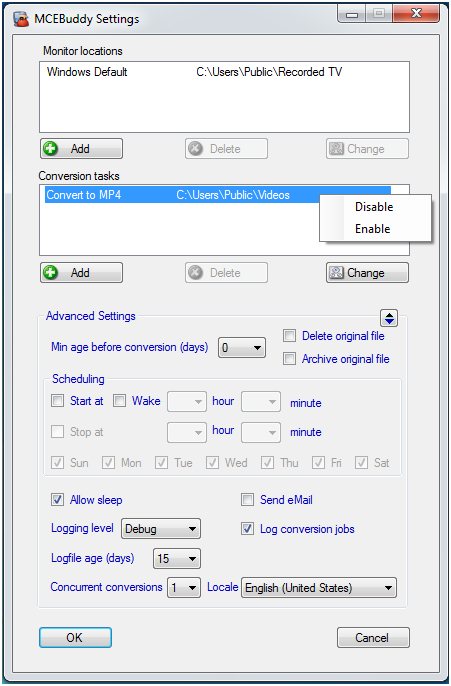
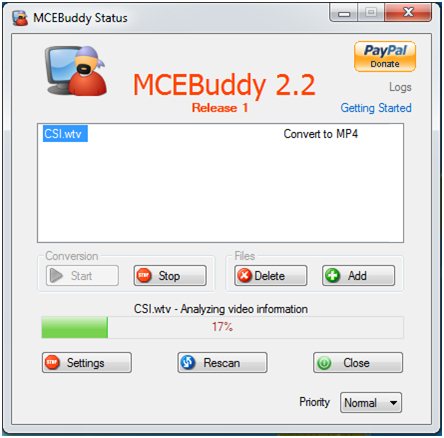

 Getting Started with MCEBuddy

