|
TEncoder combines the powers of Mencoder and FFMpeg to allow for multi-threaded encoding and conversion of video from almost any format to almost any other format, with hard-coded subtitles support
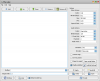
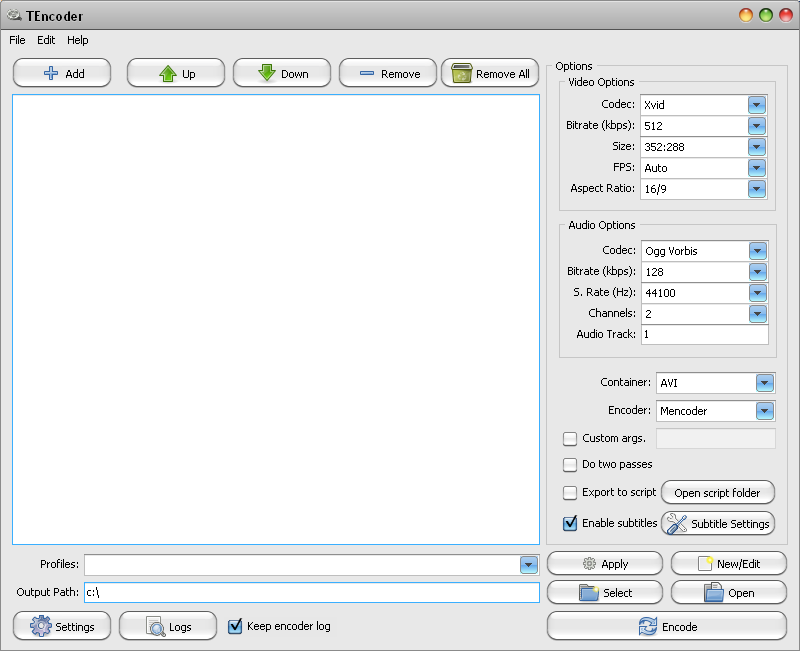
Main Screen |
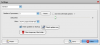
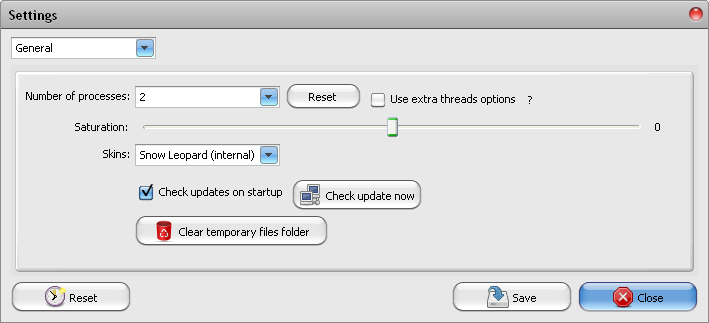
General Settings |
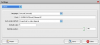
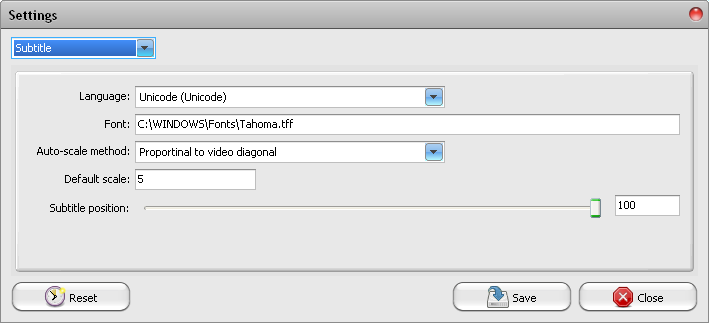
Subtitle Settings |
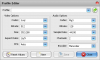
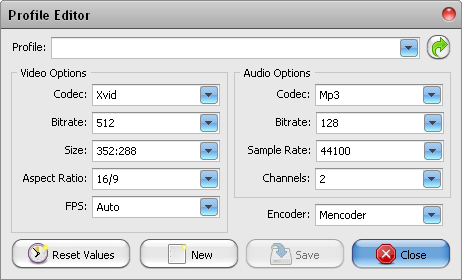
Profile Editor |
TEncoder is an open source encoder that combines the powers of Mencoder and FFMpeg to allow for multi-threaded encoding and conversion of video from almost any format to almost any other format, with hard-coded subtitles support.
Supported output container formats include, AVI, MPEG, MP4, MOV, MKV, FLV and WMV, while the supported video codecs include Xvid, H.264, MPEG-1/2/4, FLV and WMV. Audio codec support includes MP3, AAC, AC3, Ogg Vorbis, AC2 and MP2.
TEncoder encoding settings include the ability to set custom bitrate (including the use of an optional two-pass encoding), video resizing, custom aspect ratio and even the ability to change framerates. Custom profiles can be saved/loaded for quick encodings.
Batch/queued encodings are also supported.
Multi-threaded encoding is supported, with the ability to set the number of encoding threads/processes.
Subtitles are automatically loaded and converted in TEncoder if they have the same filename as the video, and will be hard-coded into the video.
Main Categories: AVI (DivX, Xvid ...), MPEG-4 (ASF/WMV, QuickTime, Real, VC-1, H.264 ...), Subtitles
Sub Categories:
- AVI To Other Format Conversion -> AVI to DivX/XviD Conversion
- AVI To Other Format Conversion -> AVI to MPEG-1 (VCD) Conversion
- AVI To Other Format Conversion -> AVI to MPEG-2 (SVCD, DVD) Conversion
- AVI To Other Format Conversion -> AVI to MPEG-4 (AVC, H.264) Conversion
- MPEG-4 (ASF, WMV, QuickTime, AVC, VC-1, H.264 ...) -> ASF/WMV to Other Format Conversion
- Video Encoders -> MPEG-1 (VCD) Encoders
- Video Encoders -> MPEG-2 (SVCD, DVD) Encoders
- Video Encoders -> MPEG-4 (DivX, XviD, WMV, QuickTime, AVC, VC-1, H.264 ...) Encoders
Input Files: AVI, FLV, MKV, MOV, MP4, MPG, WMV
Output Files: AVI, FLV, H.264, MKV, MOV, MPG, WMV, Xvid
Windows XP/Windows Vista/Windows 7
Version 4.5.10
- Release Date: Dec 1, 2015
-
-Workaround: [Video Converter & DVD Ripper] For errors that may occur while updating progress info -Workaround: [General] For errors that may occur while clearing temp folder -Fixed: [Video Downloader] An error that may occur while removing items from the list -Other small fixes
View complete revision history
|

|
Rate this software:
Your Rating:
You have not voted yet!
Average: 5.00/5
Total Ratings: 2
|

 Home
Home


 Official Download Page