MPEG2 Works 4 Advanced can convert input movie file to an MPEG2/MPEG1 DVD/SVCD/VCD ready movie and export MPEG1/MPEG2/VRO/VOB/TiVo/Hitachi VOB and VRO to QuickTime format of Your choice.
MPEG2 Works 4 Advanced can convert input movie file to an MPEG2/MPEG1 DVD/SVCD/VCD ready movie and export MPEG1/MPEG2/VRO/VOB/TiVo/Hitachi VOB and VRO to QuickTime format of Your choice...There is also lot of tools for various manipulation of MPEG files available...and conversion between MPEG2/MPEG1, PAL/NTSC movies.
Available options:
DVD/SVCD/VCD PAL/NTSC MPEG2/MPEG1 conversions
Batch /Multiple files/ conversions [NEW!]
"Custom" conversion section [MPEG1/MPEG2 user configurable conversions]
Bitrate settings on all conversion preset buttons [NEW!]
ReplayTV MPEG's conversion to DVD/SVCD ready MPEG2 movies [does NOT work with EyeTV HDTV files]
DVD authoring of ReplayTV, EyeTV, WinFastTV2000XP and Instant DVD recorder MPEG's without re-conversion! [NEW!]
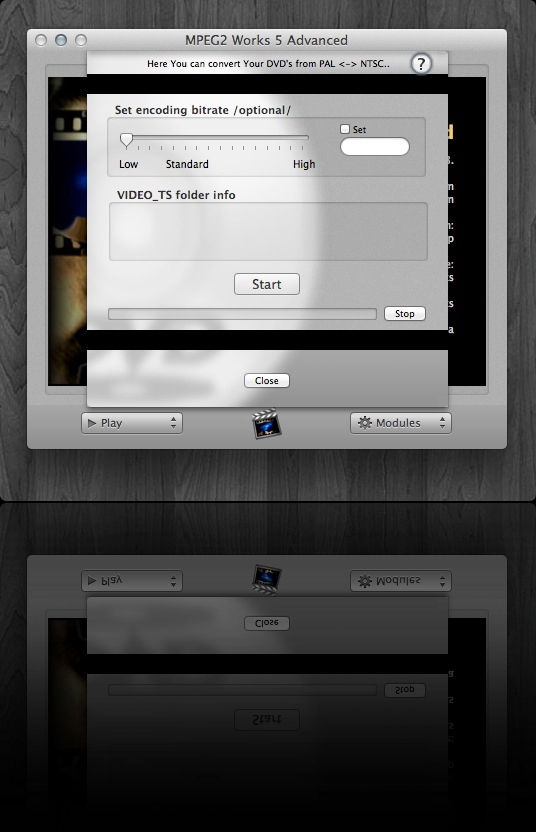
Advanced DVD authoring section with DVD burning! [NEW!]
Subtitles adding! [NEW!] [For more information check the tutorial page on MPEG2 Works forum here ]
Deinterlacing of source movies during conversion]
"Tools" tab with Mux/Demux/Split/Join MPEG/Divx/VOB options
"Audio" tab with options to work with AC3,WAV,AIFF,MP2 audio files
PAL/NTSC VOB > SVCD conversion
Making burnable DVD/SVCD [VIDEO_TS/CD-XA] Images options
Cinemascope [2.21:1] to 16:9 PAL/NTSC DVD/SVCD conversion
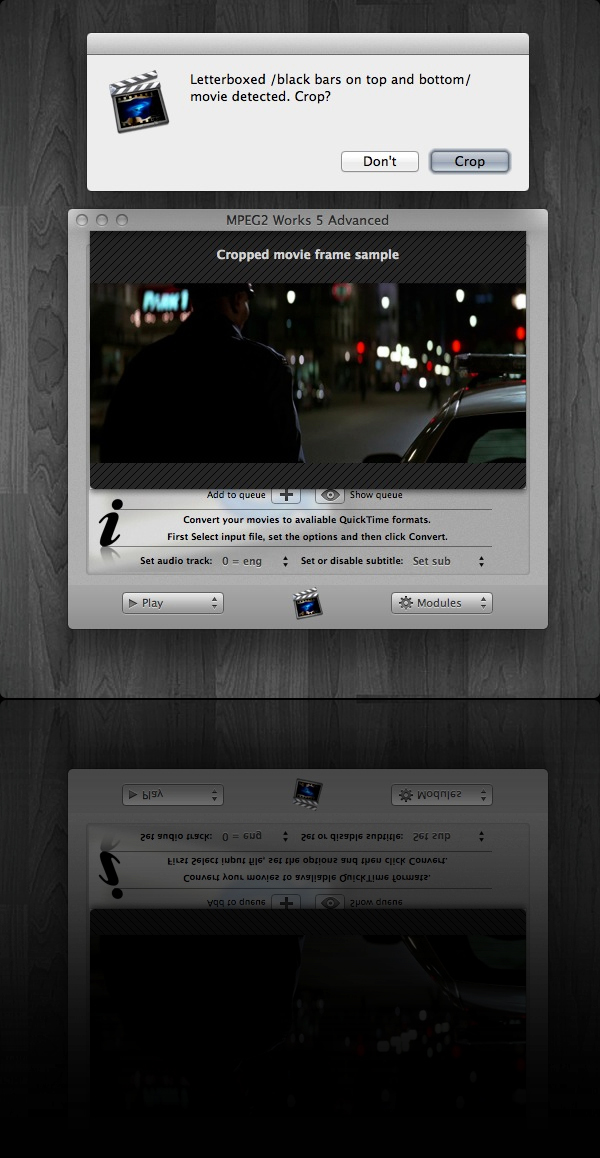
SVCD Wide /16:9/ to 4:3 letterboxed conversion
Half-D1 MPEG2 conversion options
Terminal output /You can watch progress in Terminal, and start simultaneous conversions/
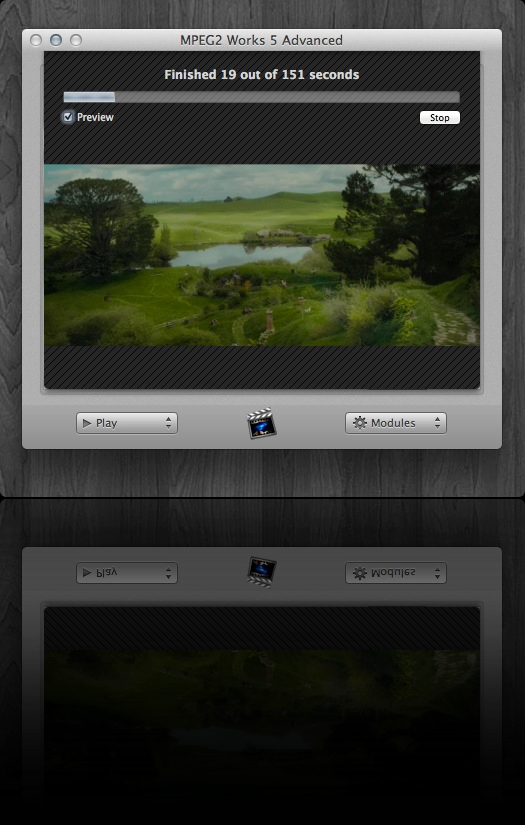
Info on passed conversion time at the "complete" window
MPEG Info tool
Français, Italiano, Deutsch and Español localization files
No installation needed; Just copy to HDD and start to work
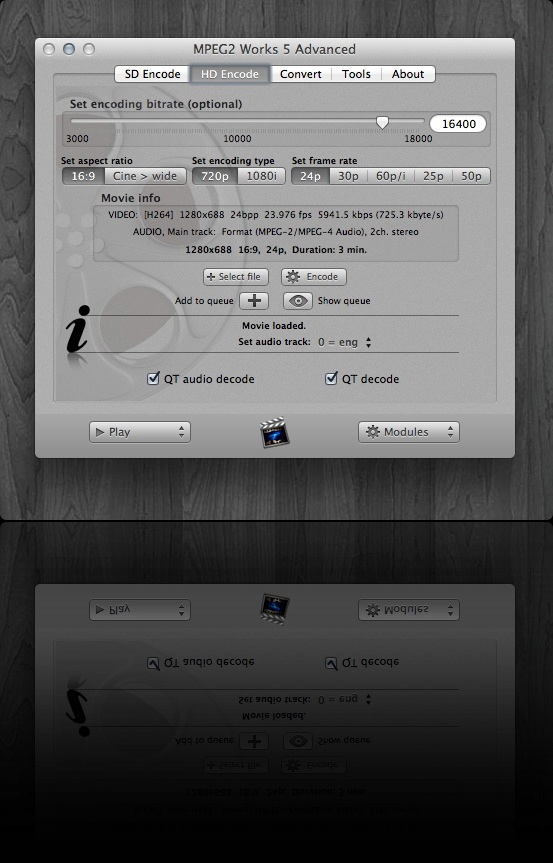
Export2QT [- MPEG1/MPEG2/VRO/ReplayTV/TiVo/VOB/Hitachi VOB and VRO files to ANY QuickTime codec You have installed] [NEW!]


 Home
Home

 Official Software Homepage