

 Home
HomePage 2 of 6: Using VirtualDub - Re-encode AVI for standalone compatibility
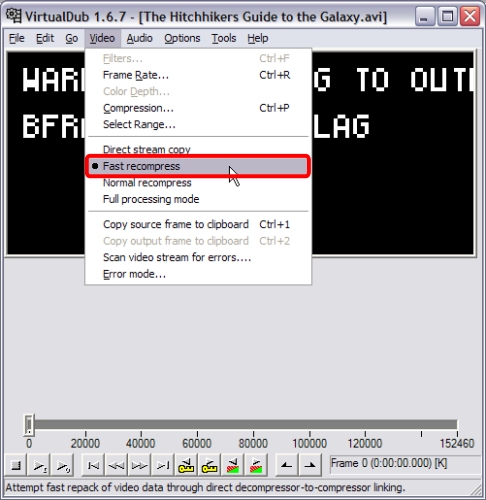
Now click "Video" at the top and then click "Fast recompress" (red). (Screen Shot Below)
Now click "Video" at the top again and click on "Compression" (red). (Screen Shot Below)
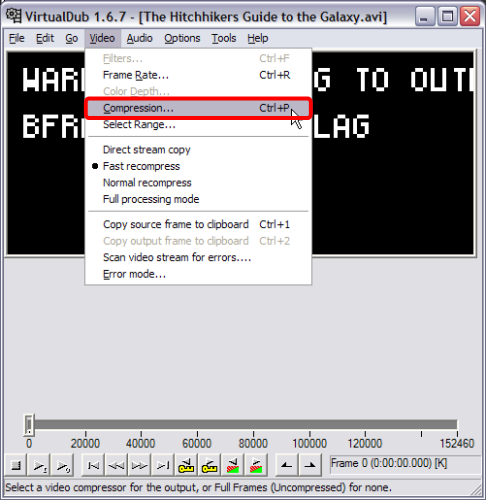
Now click "Video" at the top again and click on "Compression" (red). (Screen Shot Below)


