|
SimpleMovieX is a QuickTime Pro replacement that also supports MPEG files
| Author/Publisher: |
Aero Quartet |
| Language: |
English |
| Ease of use: |
Not Rated |
| Latest Version: |
3.11 (details) |
| OS Support: |
 |
| License: |
Shareware, 24.00 |
| Last Updated: |
|
| Page Viewed: |
25030 times |
|
|
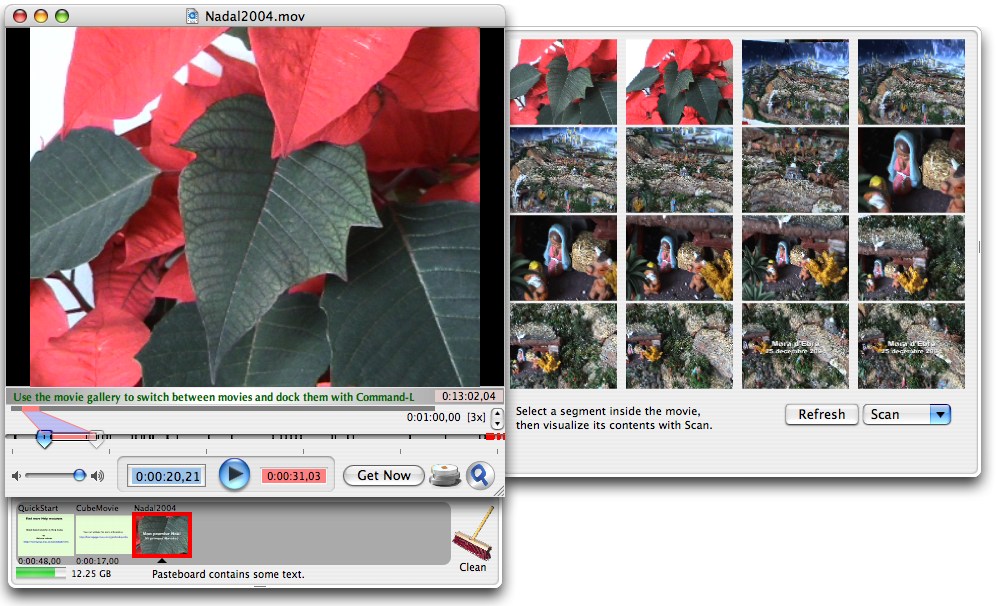
Main Screen |
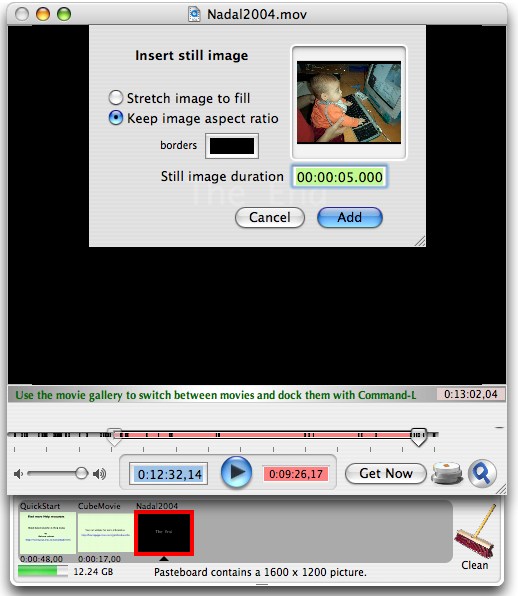
Insert Still Image |
SimpleMovieX is a QuickTime Pro replacement that also supports MPEG files.
Features:
General
- Requires Mac OS X 10.2 or later.
- Native Cocoa Mac OS X application.
- Multi documents application that adheres to Mac OS X Human Interface Guidelines.
- Movie Gallery to keep most useful movies always at hand.
Document format
Editing Capabilities
- Basic editing covered by Cut, Copy, Paste, Add, Add Scaled and Trim operations.
- Frame-accurate editing thanks to adaptable timescale.
- Multi-level Undo.
- Document can be saved as reference (not self-contained) for fast back-up.
- Movie segments from different codecs can be mixed.
- Support for still image insertion.
- Video tracks with different pixel sizes can be mixed.
User Interface
- Intuitive, Sleek and non-obstrusive user interface.
- Keyboard shortcuts.
- Hint bar that displays useful information.
Extra Features
- Full screen playback.
- French localization.
Input Files: AVI, DivX, MOV, MPG, VCD
Output Files: AVI, DivX, MOV, MPG, VCD
Mac OS
Free version is fully featured, except for slower saving
Version 3.11
- Release Date: Aug 3, 2011
- NEW Features:
- Built for Mac OS X 10.7 Lion
- Improvements:
- Improved opening speed of large files.
- Fixed app becoming becoming unresponsive when loading long duration MP3 and AAC files.
- Adapted to Amazon API changes, otherwise metadata fetching would stop working in Oct'2011
- Several crasher bug fixes in saving and splitting operations
View complete revision history
|

|
Rate this software:
Your Rating:
You have not voted yet!
Average: 4.50/5
Total Ratings: 2
|
|
|
| |
|
|
|
|

 Home
Home
 Official Download Page