|
An Open Source application ideal for turning your PC / TV into a very advanced Multi-Media Center
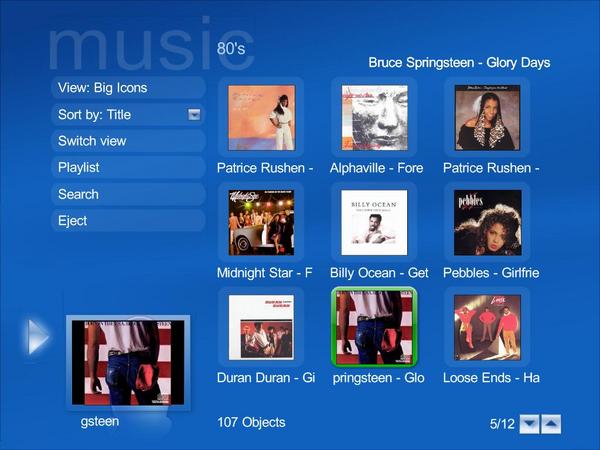
Music (BlueTwo Skin) |

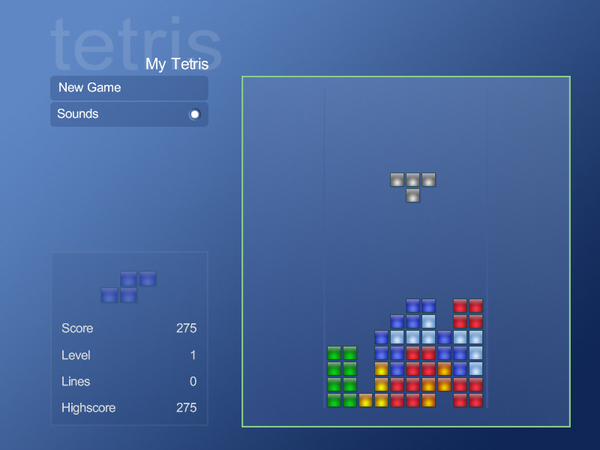
My Tetris (MCE Skin) |
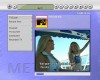
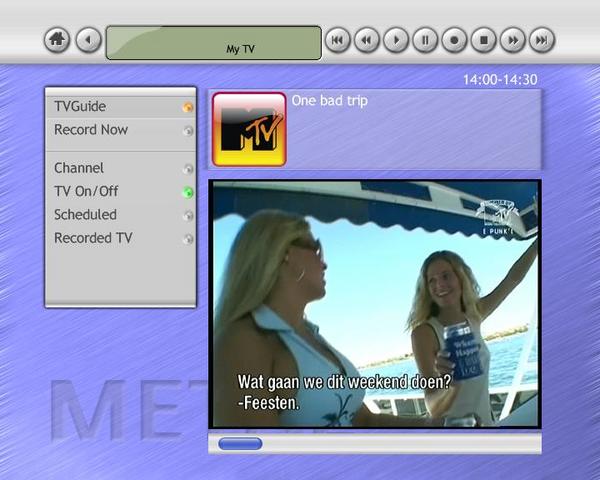
TV (MetalMedia Skin) |
MediaPortal is an Open Source application ideal for turning your PC / TV into a very advanced Multi-Media Center. MediaPortal allows you to listen to your favorite music & radio, watch your video's and DVD's, view, schedule and record live TV and much more. You get MediaPortal as Open Source software. This means anyone can help develop MediaPortal or tweak-it for their own needs. It's for free, just give it a try!
TV:
- Support for various international TV formats including Analog TV, DVB-C, DVB-T, DVB-S and HDTV.
- Advanced recording options and Personal Video Recorder (PVR) scheduler to manage all your recording needs.
- Watch, record, and pause live TV using integrated timeshifting capabilities.
- Program guide based on the popular open source XMLTV project.
- Comprehensive list of tested and supported tv cards including usage of multiple tuners.
DVD / Video
- Organize and play videos / DVD's in a way never thought possible.
- Customize your video library by actors, genres, year, rating etc.
- Use the integrated player or use your favorite external application.
- Automatically populates video artwork & information from IMDB.
Bundled with stable open source MPEG2 audio/video codecs, written by Media Player Classic.
More:
Input Files: AVI, BMP, DVB, DVD, GIF, JPG, MKV, MOV, MP3, MPG, PNG, RM/RMVB, WMV
Windows XP/Windows 7
|

|
Rate this software:
Your Rating:
You have not voted yet!
Average: 4.00/5
Total Ratings: 16
|
|
|
| |
|
|
|
|

 Home
Home


 MediaPortal_Setup_1.24_Release.zip