News Articles
Movies Software
DivX, XviD, DVD Subtitles Forum
DigiWiki Codecs

Username:
Password:  
Remember Login?
Sign Up
 

Software - > AVI ReComp

Preview
Enlarge Image Enlarge Image: Preview
More Images More Images

Downloads


Join Our Newsletter
Title: AVI ReComp
Author/Publisher: Prozac (details)
Ease of use: Not Rated
Latest Version: 1.4.3 (details)
OS Support: Windows 95 Windows 98 Windows Me Windows 2000 Windows XP Windows 2003 Windows Vista
License: Freeware
Date Added: Mar 4, 2006
Last Updated: Jun 2, 2008
Page Viewed: 92743 times

  Email Updates
email me whenever this software gets updated

Send to Friend   Send to Friend

User Rating:
(20 votes)
Details / Vote Now
User Comments:
boffe87: Very Good I love this program...
More / Post Your Comments

Summary Links Images Ratings History Tools

Categories:

Supported File Formats:

Input Files: AVI, BMP, DivX, H.264, SRT, SSA, SUB, TXT, XviD
Output Files: AVI, XviD

Description:

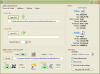
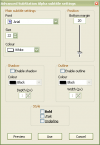
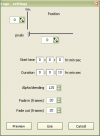
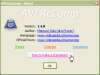
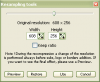
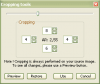
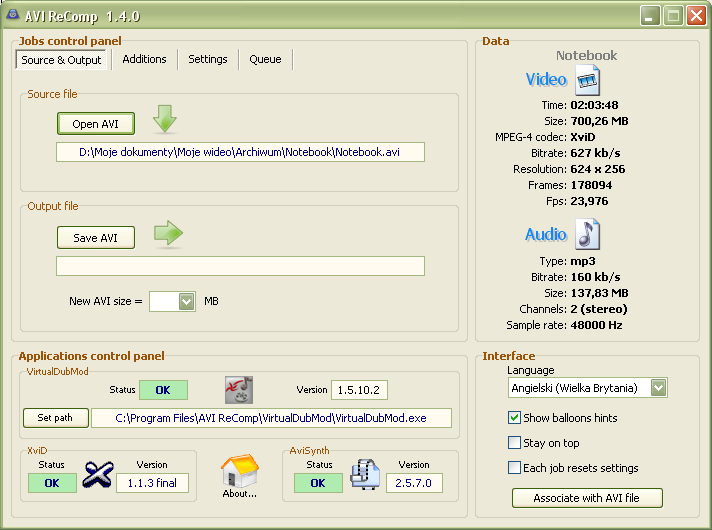
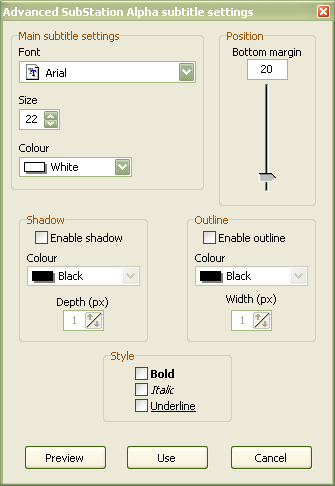
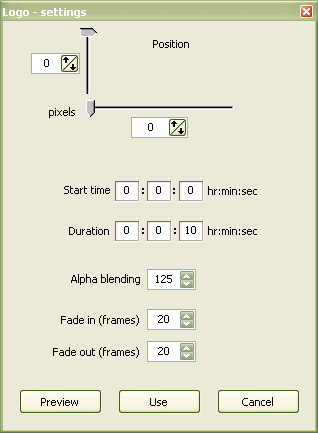
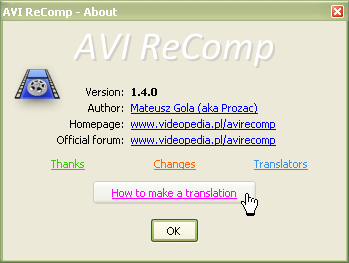
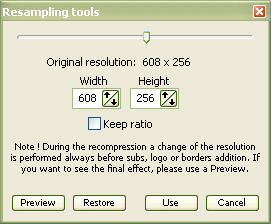
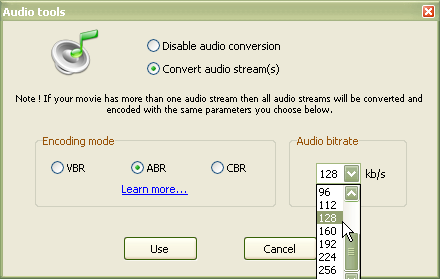
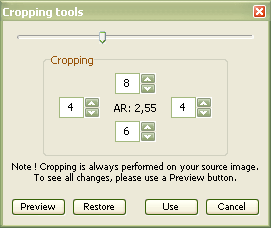
The program allows you to recompress your AVI files. The application supports not only files containing audio streams but AVIs without any audio as well. For the time being the program uses only XviD codec for the recompression process (versions: 1.0.3 or newer). The installation pack contains all required components (the newest versions of: VirtualDubMod, AviSynth and XviD). AVI ReComp can be very useful for users who want to clear their AVIs out of GMC or Qpel functions to prepare their clips for standalone DVD players. The program contains the feature of embedding subtitles into video. So if you want burnt in subtitles, you can use this software. Additionally the newest versions allow you to add black borders to your movie and place your subtitles on them. You can also adjust all settings for ssa and ass subtitles (style, colour, position). AVI ReComp enables batch encoding, getting detailed information about AVI files and adding own logo to the movie. You can also change a resolution and aspect ratio of your video clip. The Cropping tool can be used to crop existing black borders or just change video aspect ratio. It is also possible to convert all audio streams of your movie choosing one of available encoding modes (VBR, ABR, CBR) and bitrates. AVI ReComp supports AVIs with the following audio formats: mp3, wav, ac3, dts, ogg. Supported subtitle formats: TMPlayer (.txt), MicroDVD (.txt / .sub), SubViewer2 (.sub), SubRip (.srt), Advanced SubStation Alpha (.ass), SubStation Alpha (.ssa). The program includes multilingual interface (for the time being: British, Bulgarian, Czech, French, German, Hebrew, Hungarian, Italian, Polish, Portuguese, Russian, Serbian, Slovenian and Spanish). Starting with version 1.4.1 ARC is Windows Vista compatible. In the future I'm going to create many new and very useful features.

Revision History:

Version 1.4.3
  • Release Date: Jun 2, 2008
  • [New]
    • New Thai translation.
  • [changed]
    • Changed the default process priority from Idle to Normal for a default job.
    • Both resizing and cropping previews and tools windows are now dragable and accessible in the same time.
    • Maximal allowed width for new AVI is now 1920 and maximal allowed height 1080 px.
    • If the user sets the values exceeding 720x576 and clicks the 'Use' button then he gets a warning.
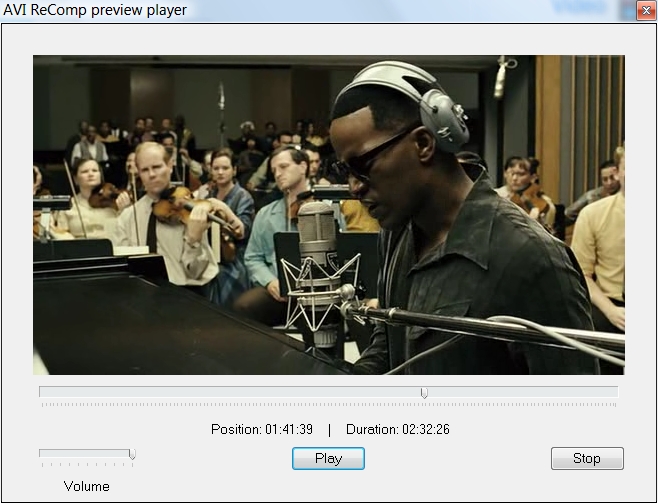
    • New Close Button on the Preview Player window.
    • Improved the preview generating process.
    • Job List was significantly rebuilt.
    • Eliminated stealing screen windows' activity by VDubMod.
    • Improved detection of AVI file encoders.
    • Widened AVS script Editor window.
    • It is now impossible to Drag&Drop the file that is already loaded to ARC.
    • Many source code changes and improvements.
    • Some GUI corrections and adjustments.
    • From now on the 'keep ratio' option will keep current aspect ratio (instead of original source AR).
    • Improved calculations of admissible target AVI size.
    • Considerably improved reading data from AVI files.
  • [fixed]
    • The recompression was slowed down after enabling the 'Edit avs script' option.
    • Cropping preview bug appearing when reopening Cropping Tools after saving some cropping values.
    • Disappearing Preview button in Subtitles Settings window after closing the preview.
    • AR indicator was not updated after clicking the Restore button in the Resizing Tools window.
    • AVI ReComp preview player did not stop at the end of the movie and the Play button was not available.
    • Unrestricted XviD profile was used instead of Home when XviD 1.1.3 was installed.
    • Sometimes the resizing and cropping previews were displayed in a wrong colour spaces.
    • Incorrect resizing arrows' behaviour when trying to reach large resolution values.
    • No screenshots in the Russian translation guide.
    • Job List items had uneven look on Vista.
    • No standard colours in all colour list-boxes in SSA and ASS settings windows.
    • Outline/Shadow colour list disabled in SSA settings window.
    • Double LanczosResize in the preview avs script after saving crop values and running resizing preview.
    • Incorrect black borders sizes in the preview launched from Cropping and Resize Tools windows.
    • Incorrect warnings informing about too large logo size when Black Borders option was enabled.
    • Possibility of loading a new source via command line switches even if ARC was busy editing other file.
    • In some circumstances ARC disabled DirectVobSub auto-loading mode.
    • Recompressing files exceeding 1.99 GB resulted in truncated output.
    • Incorrect display coordinates in ASS subtitle scripts when Black Borders option was enabled.
View complete revision history

Downloads:

Download: AVI_ReComp_1.4.3_Setup.exe Title: AVI_ReComp_1.4.3_Setup.exe
Link: Download
Size: 8.74 MB

Description: Download AVI ReComp


Download: Official Download Page Title: Official Download Page
Link: Download

Description: Download AVI ReComp from the official site


User Rating:

  Average Rating: Your Rating:
Registered Users: (20 votes)
Non-Registered Users: (139 votes)

User Comments:

Sorry, but you must be logged in to use this feature.

Please note that the forum has a separate login/registration system. You will need to sign up and login to the forum separately.

Username:
Password:
Remember Login?
 

Don't have an account? Sign up here
Lost your login/password?
Top 10

Software Submissions