Digital Digest -> Software ->

Lame Front-End

Lame Front-End offers a graphical user interface to the popular MP3 decoder/encoder, LAME. Lame Front-End allows you to convert WAV files to MP3, as well as the opposite
Author/Publisher:
Language: English
Ease of use: Not Rated
Latest Version: 1.7 (details)
OS Support: Windows XP Windows Vista Windows 7
License: Freeware
Last Updated:
Page Viewed: 2314 times

Downloads:

Download: Lame_Front-End.exe   Lame_Front-End.exe
Description:Download Lame Front-End - installer version
Version:1.7 (added Dec 02, 2011 - view changelog)
Size:1.1 MB


Download: Lame_Front-End_PORTABLE.zip   Lame_Front-End_PORTABLE.zip

Description:Download Lame Front-End Portable (ZIP) version
Version:1.7 (added Dec 02, 2011 - view changelog)
Size:831 KB


Show All Downloads & Links (1 more)

Old Version Downloads (3 downloads)

Screenshots & Images:

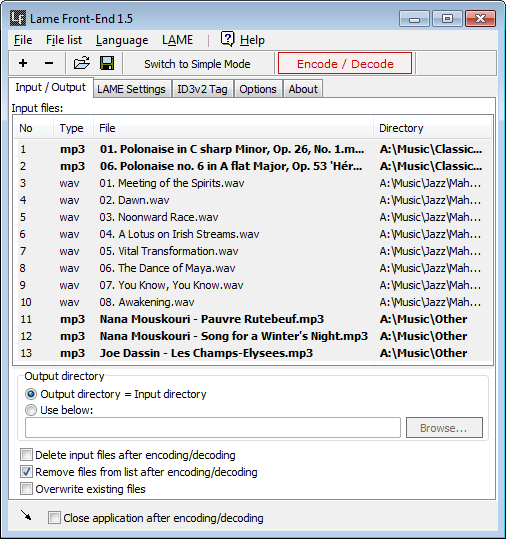
Input and Output
Input and Output
Simple Mode
Simple Mode
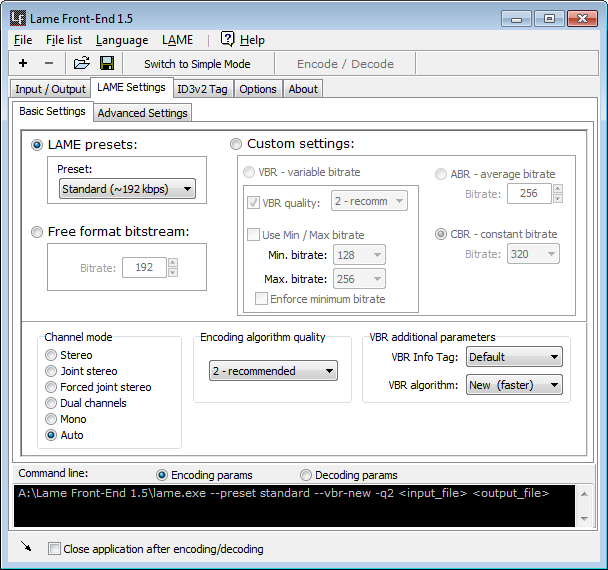
Basic Expert Mode
Basic Expert Mode
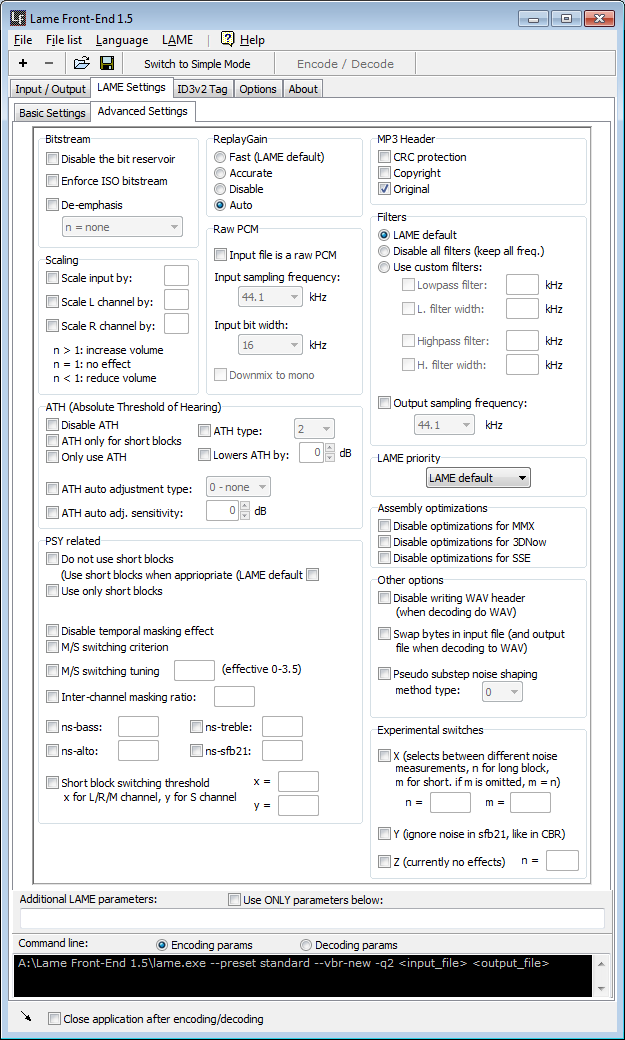
Advanced Expert Mode
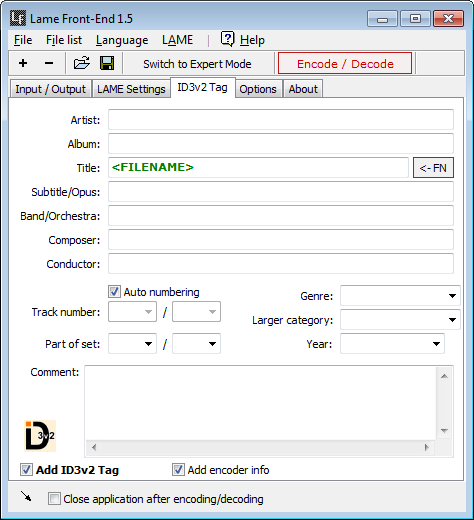
ID3v2 Tag Editor
ID3v2 Tag Editor

Description:

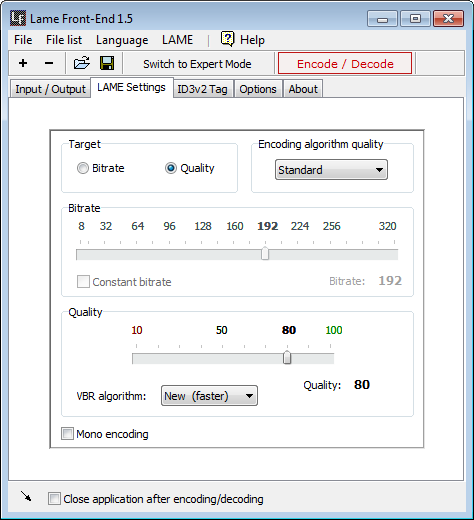
Lame Front-End is a graphical user interface (GUI) for LAME.

With Lame Front-End, you can convert WAV files to MP3, with many adjustable settings and options (which can be hidden, for beginners). You can also convert MP3s back to WAV.

Lame Front-End also supports batch processing, allowing it to be used with other tools, such as CDex.

And last, but not least, Lame Front-End also supports the editing of ID3v2 tags for MP3 files.


Categories:

Main Categories: Audio
Sub Categories:

Supported File Formats:

Input Files: MP3, WAV
Output Files: MP3, WAV

OS Compatibility:

Windows XP/Windows Vista/Windows 7

Revision History:

Version 1.7 View complete revision history

Rate this software:

Your Rating:
You have not voted yet!

Average: 0/5
Total Ratings: 0


Software Submissions