|
TV Scheduler Pro (formerly DVB Web Scheduler Pro) is a Television capture and scheduling tool for scheduling unattended recordings of free to air Television programs using one or more DVB-T tuner devices.
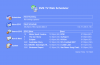
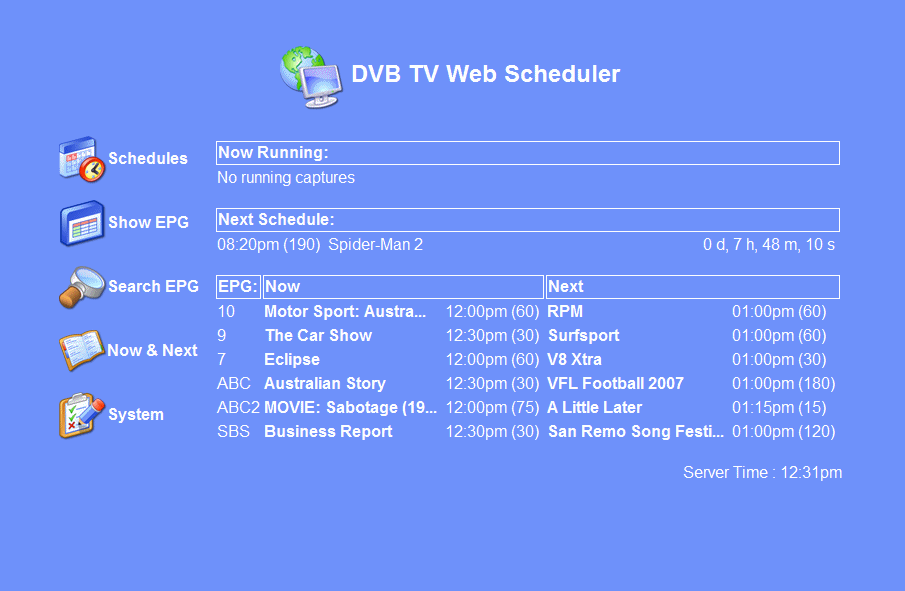
Main Page |
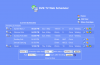
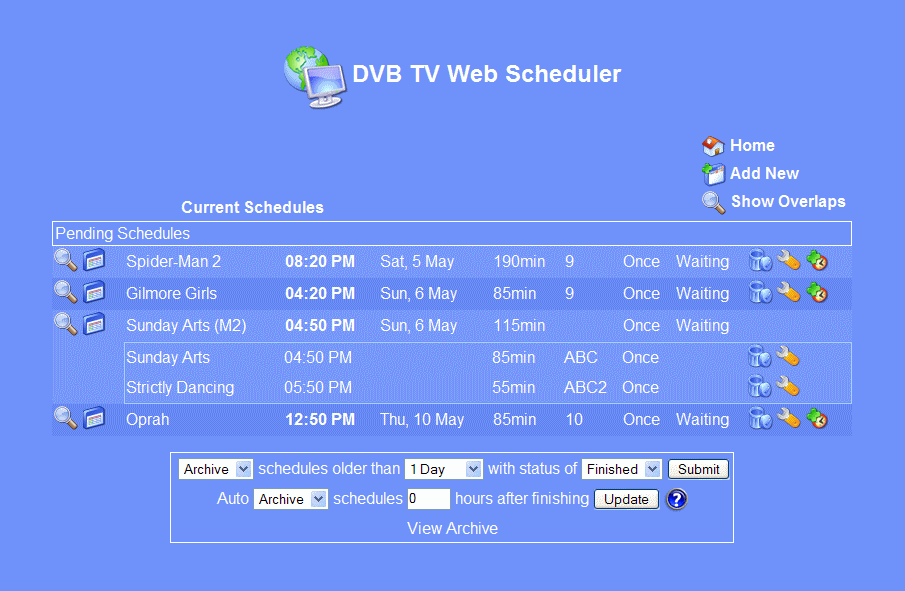
Schedule List |

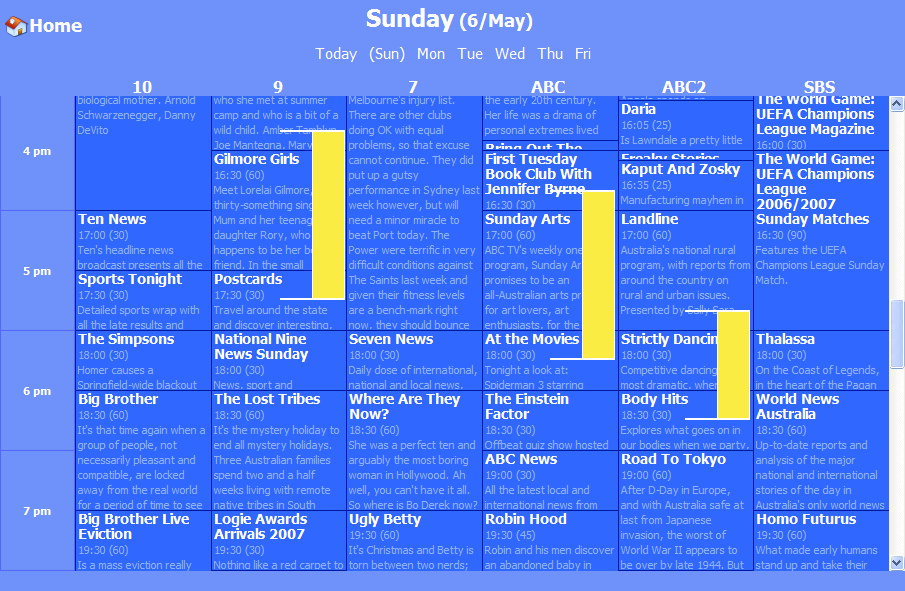
Electronic Program Guide |
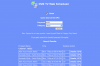
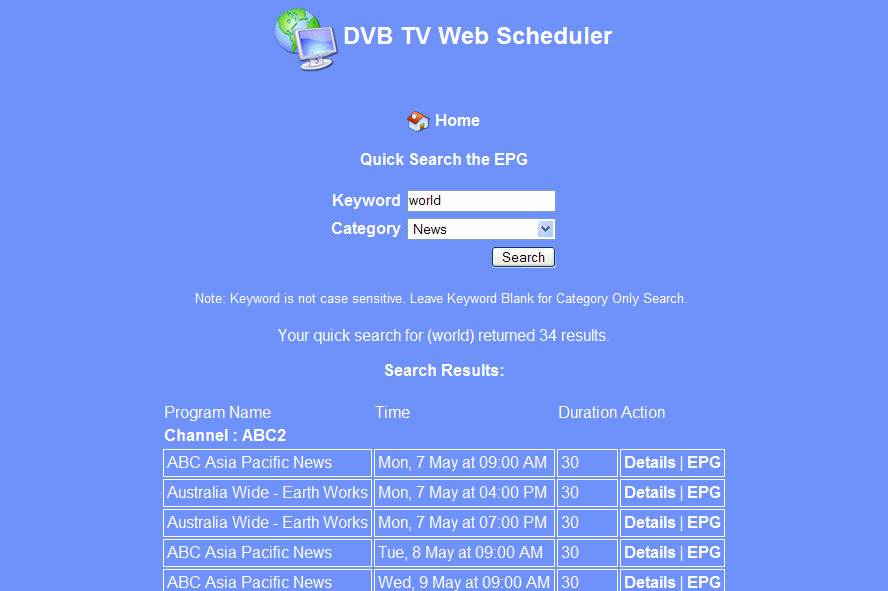
Search Results |
TV Scheduler Pro (formerly DVB Web Scheduler Pro) is a Digital Television capture and scheduling tool for scheduling unattended recordings of free to air Digital TV programs using one or more DVB-T tuner devices. TV Scheduler Pro runs as a service on your computer, you interact with TV Scheduler Pro using the fully functional Web interface in your favourite Web Browser.
Windows 2000/Windows XP
Version Rev 288
- Release Date: Sep 20, 2019
- Download(s):
-
Version JC.288 1. Compiled the Service Wrapper with Java 11 as per the rest of TVSP. 2. Certified the installers with SHA1 & SHA256 and my personal certificate. 3. Updated Stationdata to ACMA 3rd September. 4. Small changes to kb-epg 5. Added a check for Microsoft Visual C++ 2010.SP1 Redistributable to the installer and option to download and install if not found. Notes: This is required as since JC.283 all binaries are compiled with VS2010 and the corresponding runtimes are not bundled with fresh installs of Windows 10. The installer will check the registry so the vc redist must be correctly registered. Simply copying the dll's will not pass the test. Likewise the installer does not check for existance of the actual vc files so if there is an issue uninstall and reinstall the runtime. They are named "Microsoft Visual C++ 2010 x64 Redistributable" or "Microsoft Visual C++ 2010 x86 Redistributable" in Apps & Features Only one is required x64 for TVSP-x64 and x86 for TVSP-Win32
View complete revision history
|

|
Rate this software:
Your Rating:
You have not voted yet!
Average: 3.78/5
Total Ratings: 20
|
|
|
| |
|
|
|
|

 Home
Home


 TVSchedulerPro-JC.288-win32.exe