|
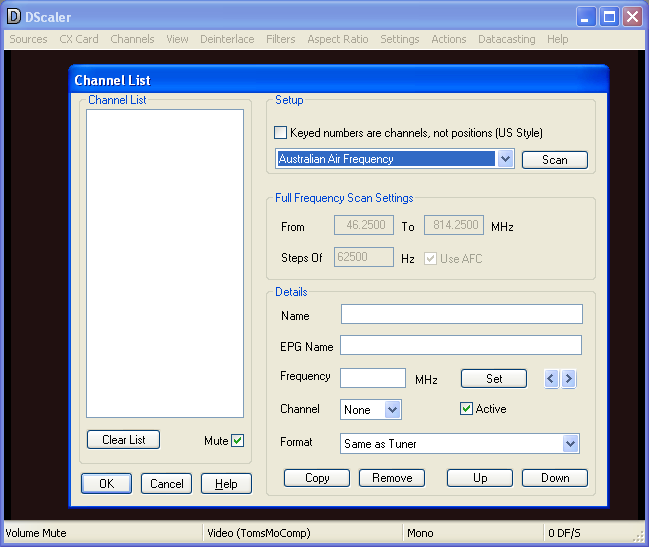
DScaler 4 is a piece of software that captures video, processes it, and scales it for presentation on a projector or computer monitor.
DScaler 4 is a piece of software that captures video, processes it, and scales it for presentation on a projector or computer monitor. DScaler implements highly sophisticated algorithms that work in real-time to provide PC owners with image quality matched only by very expensive equipment.
In order to get the most out of DScaler 4 you will need a supported capture card.
DScaler performs a variety of functions:
- Grabbing video from a DVD player, game console, laserdisc, or VCR in a reliable fashion, in either analog or digital form;
- Deinterlacing video source, such as sports and news produced with a video camera, as well as console games;
- Detecting and removing 2:2 pulldown (PAL) and 3:2 pulldown (NTSC) for movies and filmed television programs;
- Reducing video noise on analog sources;
- Automatically calibrating video capture cards for optimal brightness, contrast and color;
- Manipulating video through gamma, sharpness and other filters;
- Viewing still images;
- Reducing judder and other video timing anomalies; and
- Presenting all of the above in the desired resolution and aspect ratio.
Windows XP/Windows Vista
|

|
Rate this software:
Your Rating:
You have not voted yet!
Average: 2.75/5
Total Ratings: 5
|
|
|
| |
|
|
|
|

 Home
Home


 DScaler4115.exe