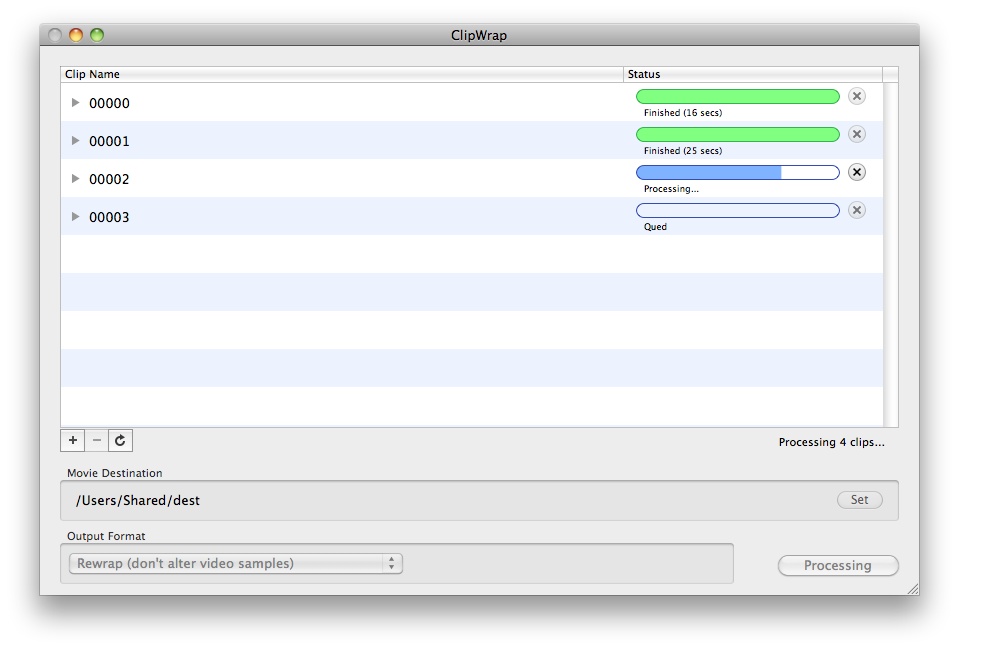
Visit the official products page where you can download a trial version of ClipWrap, which is limited to only allowing you to convert the first minute of each clip in your batch
ClipWrap re-wraps your AVCHD (mts, m2ts) or HDV files (m2t) into a QuickTime container without the need for transcoding, allowing you to more easily manipulate files on your Mac.
The converted file is compatible with leading Apple based editing formats (ProRes, DNxHD, etc) and non-linear editors (Final Cut Pro, Avid Media Composer, Adobe Premiere Pro, Apple iMovie).
Visit the official products page where you can download a trial version of ClipWrap, which is limited to only allowing you to convert the first minute of each clip in your batch


 Home
Home

 Official Product Page