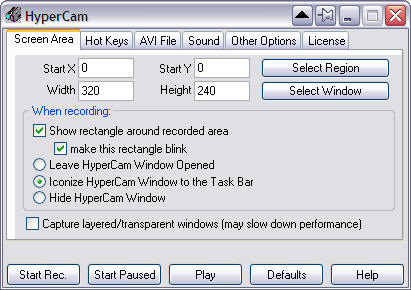
HyperCam captures the action from your Windows screen and saves it to AVI (Audio-Video Interleaved) movie file. Sound from your system microphone is also recorded.
HyperCam supports text annotations, sound, and screen notes (great for creating automated software demos and software training!). You can also select Frame rate and compression quality prior to recording your movie (avi.
Output Files: AVI
Windows 2000/Windows XP
Version 2.16.01
- Release Date: Nov 14, 2009
- Added "Open Output Folder" button to "AVI File" tab, to quickly find recorded movie clips.
- Modified the default paramters (right after starting) to record sound, default to 16 bit sound sample size and capture layered/transparent windows.
- Added more command line parameters for external control of the program.
View complete revision history